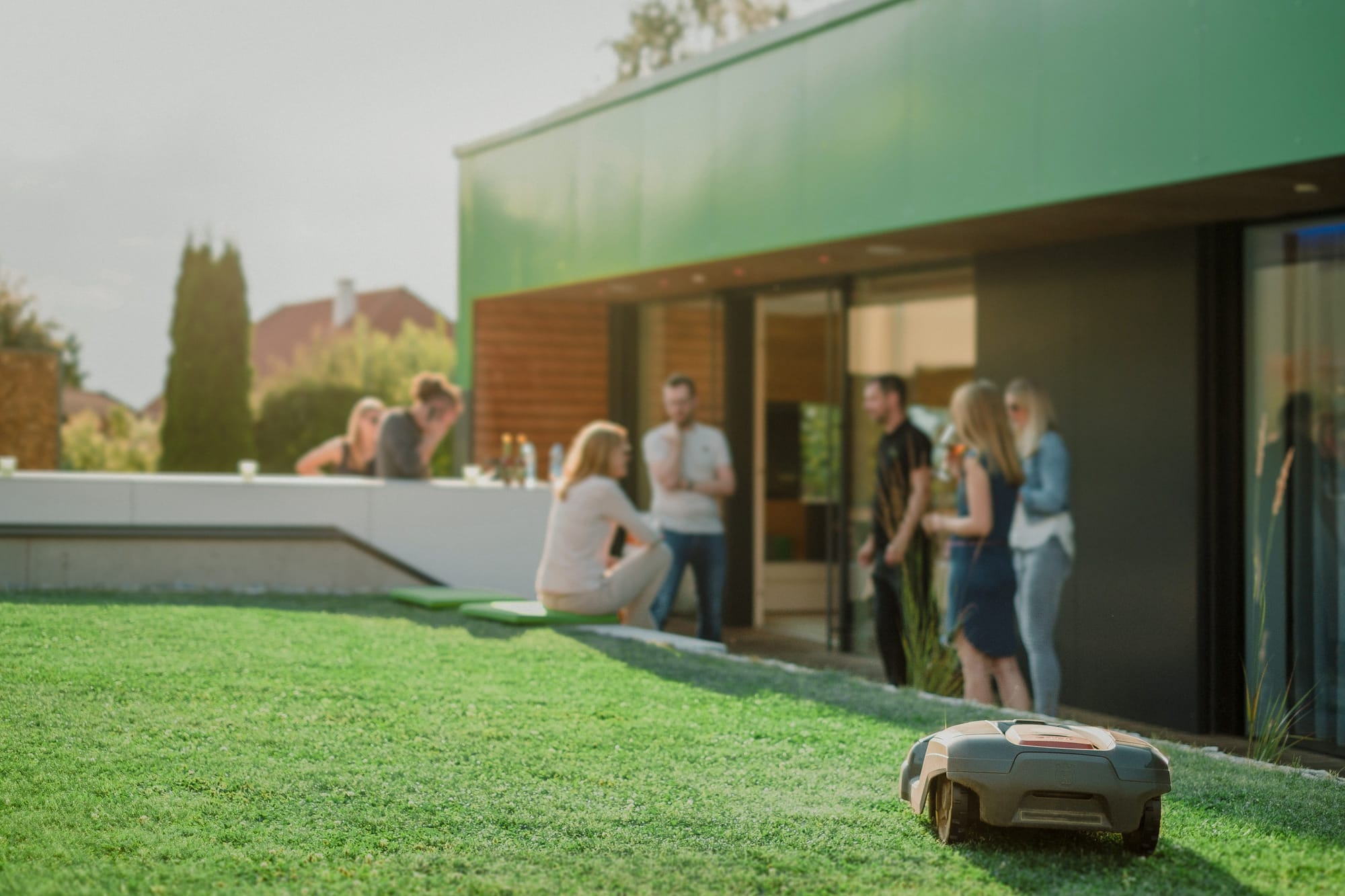
A garden room without automation is a shed with better insulation. A garden room with Loxone is a space that works — lights that set the mood automatically, heating that’s warm before you arrive, music that follows you from the patio to the bar, all from a single app or a wall switch.
This guide covers everything you need to know about automating a garden room with Loxone: what’s possible, what it costs, how long it takes and how to decide which tier is right for your build.
What is Loxone garden room automation?
Loxone is a smart-home platform built around a central device called the Miniserver. In a garden-room context, the Miniserver typically sits in a small cabinet inside the room and controls every electrical system: lighting, heating, audio, access and any external features like patio lighting or external sockets.
The key distinction from piecing together Hue bulbs, a Sonos speaker and a smart plug is real automation. Loxone doesn’t just give you remote control — it runs logic. Lights come on at the brightness level you set for “bar mode” when you scan an NFC tag on the door. Heating turns on 30 minutes before your usual Friday evening visit. The patio lights switch to a warm amber scene when the sun dips below the fence. None of this requires touching a phone.
What can you automate in a garden room?
Lighting
The most impactful part of any garden room automation. Loxone handles:
- RGBW colour-changing spotlights — warm white for evening drinks, daylight for working, amber for cinema mode
- Scene-based presets — “Bar Mode”, “Cinema”, “Party”, “Cleaning” — stored as one-touch switches or phone shortcuts
- Automatic dimming — integrated light sensor adjusts to natural light levels, so the room never feels over- or under-lit
- External LED strips or patio spots — garden bars often run exterior mood lighting on the same Loxone circuit
Heating
- Underfloor heating — Loxone zones control individual UFH circuits and can learn occupancy patterns
- Wall-mounted electric heater — scheduled to warm the room before you arrive, off automatically when you leave
- Radiator valves — Loxone can control smart TRVs in rooms without underfloor heating
Audio
- Loxone Multiroom Audio — amplifiers built into the Loxone system, ceiling speakers integrated directly
- Spotify / TuneIn / Bluetooth — stream from your phone without pairing each time
- Zone separation — music inside and on the patio as independent zones, or synced
- Volume tied to scenes — “Bar Mode” sets the audio at 60%, “Cinema” drops it to ambient background
Access
- NFC door entry — a tap of a programmed fob or your phone unlocks the door and triggers a scene
- PIN keypad — time-limited codes for guests or contractors who need temporary access
- Automated door-lock — door locks automatically after a set period, or when the last person leaves
Security
- PIR motion detection — the room “knows” when someone enters and exits
- Internal siren — triggered if the door is forced outside permitted hours
- CCTV integration — optional, displayed on a wall-mounted screen or in the app
Which Loxone tier is right for your garden room?
Westgate offers three fixed-price tiers. Here’s how to choose:
Soft Upgrade — £3,995 ex-VAT
Best for: Single-purpose bar shed, hobby room, home gym or workshop.
Includes a full Loxone Miniserver installation, single-zone RGBW lighting with scene presets, a Loxone Touch switch, heating schedule control and the Loxone app. Two install days.
Choose this if: you want a properly automated space but your requirements are single-room and straightforward. It’s a complete Loxone install, not a starter kit.
Lite Upgrade — £6,450 ex-VAT
Best for: Home cinema, gaming room, media room or multi-use space.
Everything in Lite plus Loxone Multiroom Audio (ceiling speakers and amplifier), cinema-mode lighting scenes, blackout-blind automation and NFC door access. 3.5 install days.
Choose this if: audio and scene lighting are central to how you use the room, or you’re running a projector/screen setup that benefits from automated blackout blinds.
Plus Upgrade — £9,995 ex-VAT
Best for: Premium garden bar, full entertainment room, prestige garden room.
The full spec: multiple RGBW lighting zones inside and out, Multiroom Audio with indoor and patio zones, full NFC and PIN access, automated exterior lighting, feature lighting integration and advanced scene programming. Five install days.
Choose this if: the room is the centrepiece of your entertaining and you want the lighting, audio and access to feel genuinely premium rather than bolted on.
The installation process
Here’s what happens from first contact to handover:
1. Site visit (free) We visit your garden room or the proposed location. We assess the electrical supply route, the room’s construction, any integration with the main house, and your brief. This takes 60–90 minutes.
2. Fixed quote (within 5 working days) We send a written fixed-price quote with a full bill of materials. No day-rate estimates, no “it depends” vagueness.
3. Pre-staging at our Mansfield workshop Before arriving on site, we pre-programme and test the Miniserver at our workshop. This is one reason our install times are shorter than competitors: the system arrives partially commissioned.
4. Installation (2–5 days depending on tier) Two Westgate engineers on site. Cabling, hardware installation, programming and testing. We work around any ongoing construction.
5. Customer handover (30 minutes) We walk you through the app, the Touch panels, the scenes and the automations. Most customers are fully confident operating the system within 15 minutes of handover.
6. 14-day check-in We follow up two weeks after handover to address any adjustments — extra scenes, tweaked schedules, music library updates.
Garden room automation: common questions
Can I upgrade later? Yes. Within 24 months of installation, you can upgrade to a higher tier for the price difference plus a fixed re-commissioning fee. We pre-cable the room at install so future upgrades are non-destructive.
Can the garden room system connect to the main house? Yes. The Miniserver in a garden room can be networked to a second Miniserver in the main house, or the garden room system can be extended when you eventually upgrade the whole property. The two systems can share the same app.
Do I need planning permission for a Loxone installation? No. Loxone is an electrical installation — it does not require planning permission. The garden room itself may require planning permission depending on its size and your property; that’s separate from the Loxone installation.
What is the lead time from deposit to install? Typically 3–6 weeks. Lead time in the Mansfield area is often shorter. Contact us for current availability.
Next steps
See the three tiers with full specifications or book a free site visit to discuss your garden room with one of our Loxone-certified engineers.
Westgate covers Nottingham, Derby, Sheffield, Mansfield, Chesterfield and Lincoln. Fixed prices. No sub-contracting. No subscription.
Jack Jones
Director, Westgate Property Solutions · Loxone Silver Partner